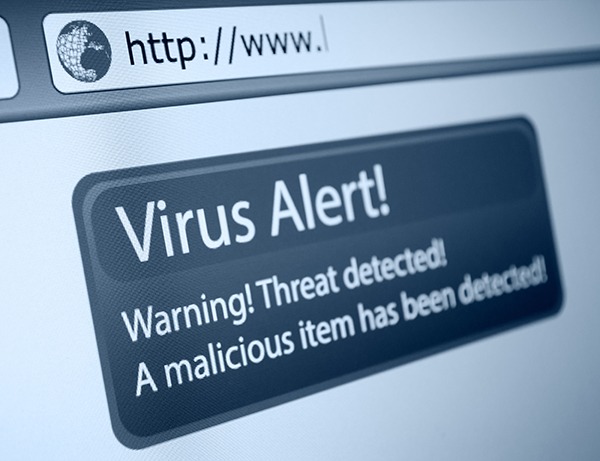
We see software update prompts all the time. Usually, they are harmless, but one day I learned how easy it is to fall for a fake one. I was working on a college project and needed a specific file. While searching, a website showed a popup: "Your video player is outdated. Update required to play media."
The popup looked very professional, using the official logos and colors of a well-known media player. I was in a hurry, so I clicked the download button.
Drive-By Downloads & Adware
Malicious websites hijack browser requests to force download dialogue triggers. Double-check extensions (e.g. .exe files masquerading as document files or players) before run initiation.
Just before opening the downloaded file, I noticed the file format was ".exe" instead of a simple media installer, and the download link was from an unknown, obscure URL. I stopped and deleted the file immediately.
Later, I scanned my system and realized the file was indeed a malware package designed to capture keystrokes and spy on browsers. If I had opened it, my computer could have been fully compromised.
"Slowing down to check files before opening them is a simple but important security habit."
Always update your browser and operating system programs from their official stores or internal menus. Never rely on external prompts from unknown domains.